The Complete $500 Home Office Setup
(2026 Edition)
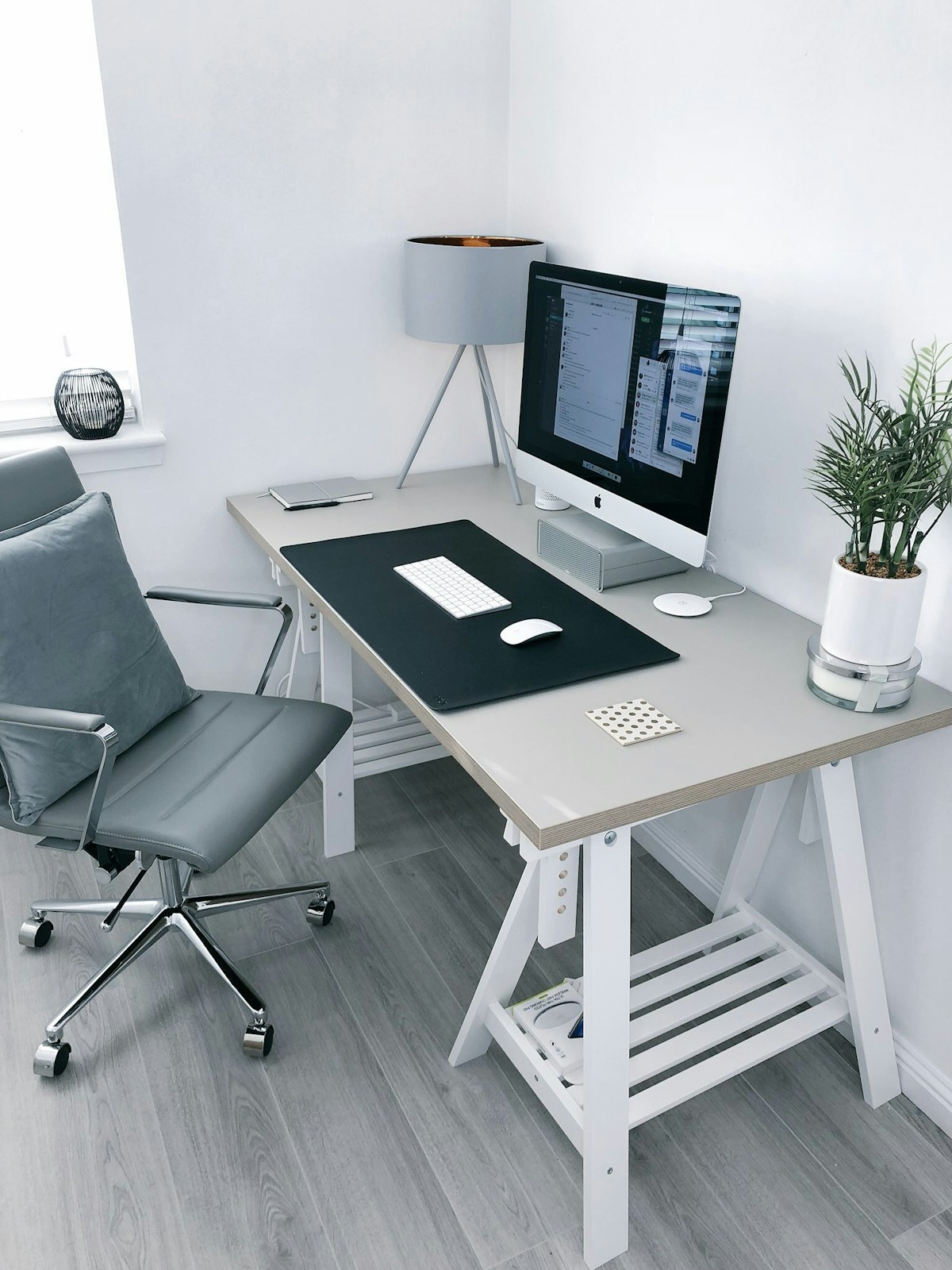
You don't need $2,000 to build a home office that looks professional and feels good to work in. This guide shows exactly how to allocate $500 for maximum impact — based on what we've tested and what we'd actually buy ourselves if starting from scratch today.
Affiliate disclosure: Links in this article are affiliate links. If you click and buy, we earn a small commission at no extra cost to you. This never influences our picks — brands cannot pay to be featured. Read our full policy.
The Principle: Spend Where It Matters
Most people waste money on the wrong upgrades. The order that maximizes your well-being and productivity per dollar spent:
- Chair first — you sit in it for 8 hours. Nothing else you buy will affect your physical wellbeing more.
- Monitor position second — a monitor arm costs $32 and fixes your neck immediately.
- Lighting third — reduces eye strain and makes you look professional on calls.
- Desk last — your existing desk is probably fine to start with. Upgrade it later.
The $500 Shopping List
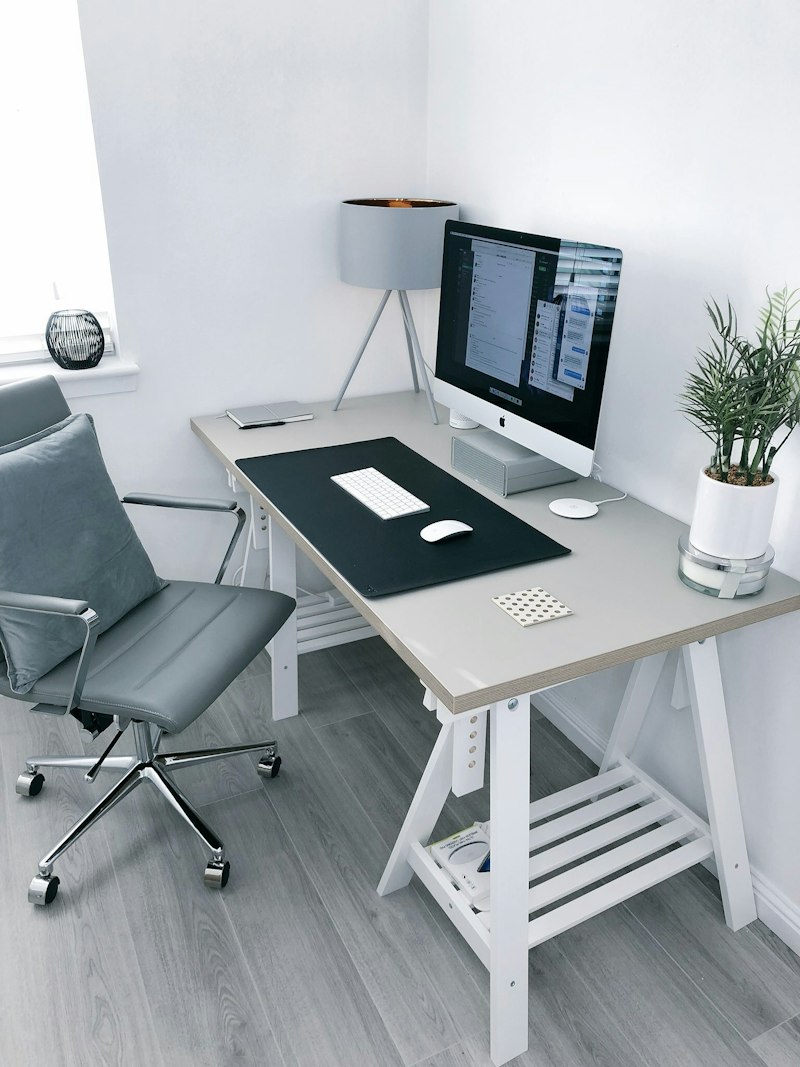
Here's the exact allocation we recommend for a complete $500 setup — assuming you already have a desk (even a basic one) and a laptop or computer:
| Item | Our Pick | Price |
|---|---|---|
| Ergonomic Chair | Autonomous ErgoChair Lite | $269 |
| Monitor Arm | Amazon Basics Single Arm | $32 |
| Webcam | Logitech C505 | $39 |
| Desk Lamp | TaoTronics TT-DL16 | $29 |
| Headphones | Anker Q20+ ANC | $56 |
| Laptop Stand | Lamicall Adjustable | $22 |
| USB Hub | Anker 10-port USB hub | $26 |
| Total | $473 |
All links are affiliate links. Prices subject to change. Last verified March 2026.
Setup Step by Step
Step 1: Chair Setup (Day 1 Priority)
Set your chair height so your feet are flat on the floor and your thighs are roughly parallel to the ground. Your elbows should rest at approximately 90° when your hands are on your keyboard. Adjust the lumbar support to sit just above your belt line, supporting the natural inward curve of your lower back.
If your feet don't reach the floor at the right knee angle, add a $15 footrest — this happens commonly at desks that are slightly too high.
Step 2: Monitor Position
Install the monitor arm and position your monitor so the top of the screen is at or just below eye level. The screen should be an arm's length away (roughly 20–28 inches from your face). Tilt the monitor back 10–20° to reduce neck strain.
If you're using a laptop, put it on the laptop stand at desk level and connect an external keyboard and mouse. Never use just a laptop screen for 8-hour days — the angle is too low and will cause neck pain within weeks.
Step 3: Lighting
Position the desk lamp to the left of your monitor (or right, if you're left-handed) angled so it illuminates your workspace without shining directly into your eyes or creating glare on the screen. Set it to 4000K for daytime work. Before video calls, position any additional lamp in front of your face, not behind or beside you.
Step 4: Cable Management
This is the free upgrade most people skip. Run cables along desk edges using $8 cable clips from Amazon. A cable management box ($15) hides your power strip. It takes 30 minutes and your desk will look dramatically cleaner and feel calmer to work at.
The Next $500 (Your Upgrade Path)
Once you've built the $500 base, here's where the next dollar goes furthest:
- Better chair (~$500 → $1,395): If your back still hurts, upgrade to the Herman Miller Aeron. Nothing else will help as much.
- Standing desk (~$229–$549): Now you have a good enough chair and monitor position — add the standing desk to break up sitting time.
- Better webcam (~$79): Upgrade from the C505 to the Logitech C922x for 1080p.
- Dedicated microphone (~$79–$99): If you're on calls 3+ hours a day, the Audio-Technica AT2020USB transforms how you sound.